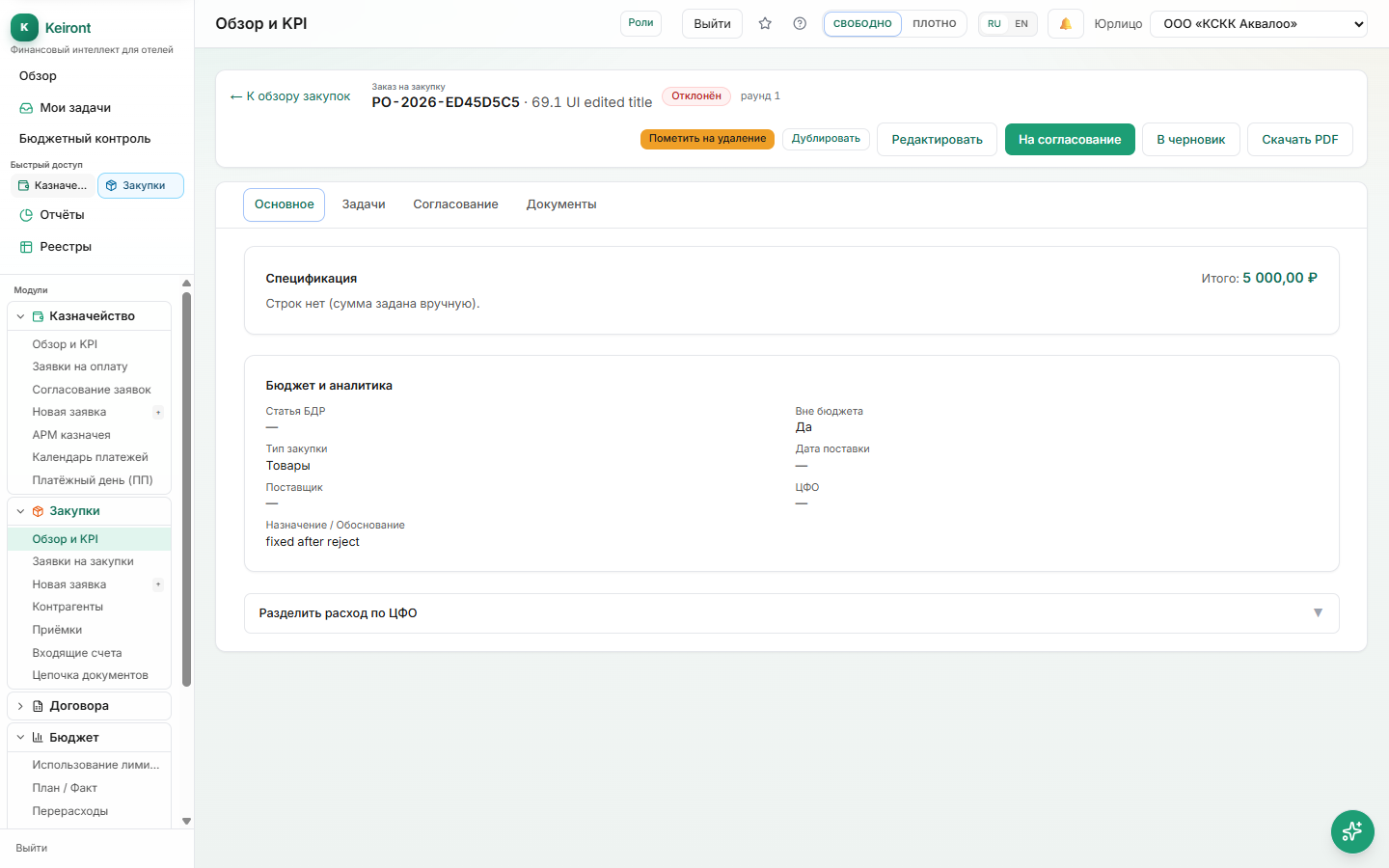
Procurement: Full Cycle from Request to Payment

How the procurement process works and how it links with Treasury and Budget Control.

1 min readUpdated: Июнь 2026

In this article

  • · Cycle Stages
  • · Suppliers and Invoices
  • · Budget Link

Cycle Stages

Procurement goes through several steps, at each of which the document is approved and moves to the next status.

  1. Purchase request → approval.
  2. Supplier order (after approval).
  3. Receipt of goods/services (full or partial).
  4. Invoice from supplier.
  5. Payment (a payment request is created automatically at receipt).
At receipt, the system automatically creates a payment obligation in Treasury—no need to re-enter data.

Suppliers and Invoices

A supplier directory and incoming invoices are in "Suppliers" and "Invoices". You can add a supplier right when creating an order.

Budget Link

Procurement is checked against the cost center/line item budget limit: if exceeded, the system warns or requires additional approval depending on settings.

FAQ

What's the difference between a purchase request and an order?
A request is a procurement need request (initiation and approval). An order is a document to the supplier after approval.
Was this helpful?

More in «Procurement»

All articles